Coventra × ChatGPT
Connect in four short steps.
- 01
Open Apps settings, then choose Advanced settings.
- 02
Enable Developer mode and choose Create app.
- 03
Paste the Coventra MCP endpoint and continue.
- 04
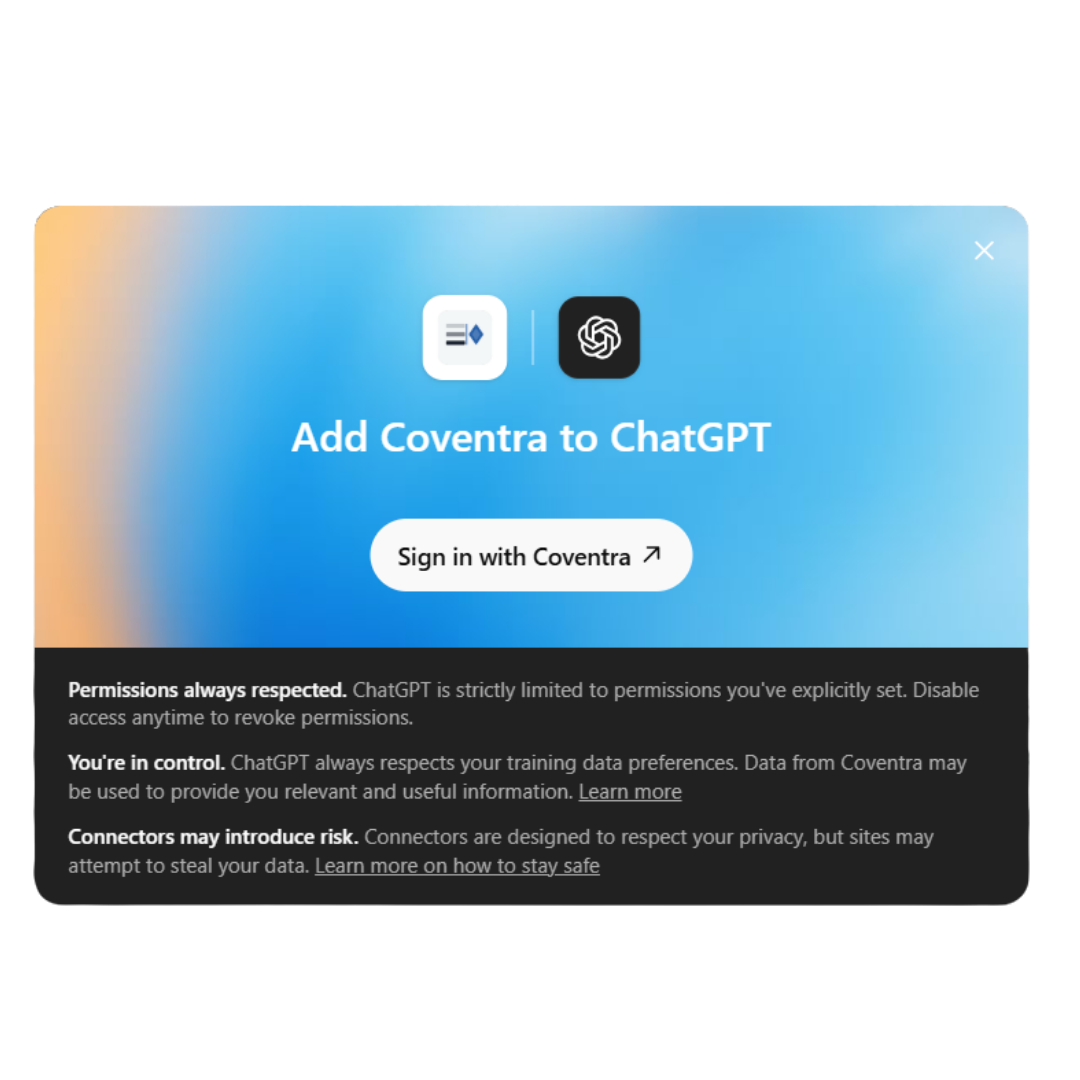
Sign in to Coventra and approve the review projects ChatGPT may access.
ChatGPT currently requires Developer mode for custom MCP apps. Once Coventra is listed publicly, this route will become a standard app connection.